10 Lessons I Learned Building React Native Apps
Rizwan Shivalli
Software Developer / React Native Developer at Simplifi Commerce



Who Am I?
- Written in JavaScript
- Fast Refresh
- Build pure "Native" apps
- Code once - Works on Android and iOS
- Excellent Community
5 Reasons Why React Native !
Lesson 1: Learn React

Lifecycle Methods
Props
State
JSX
Composition
Think React
Lesson 2: Navigation is still evolving
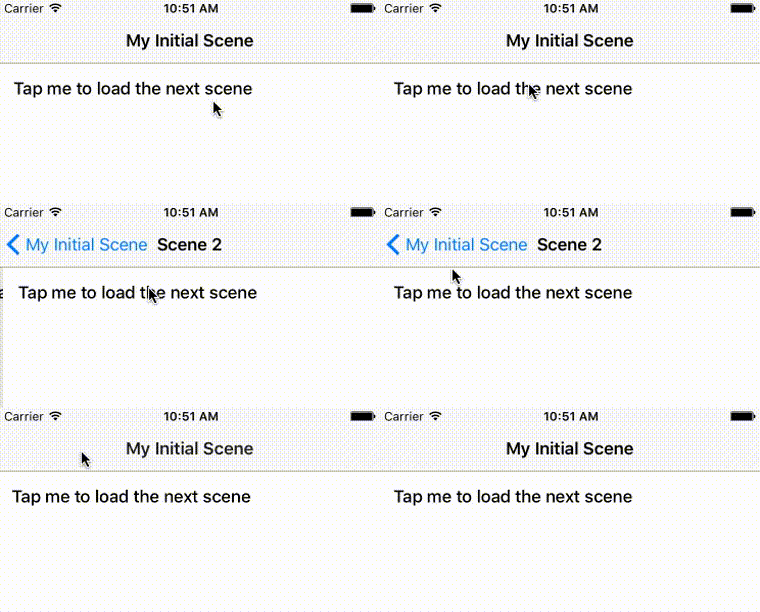
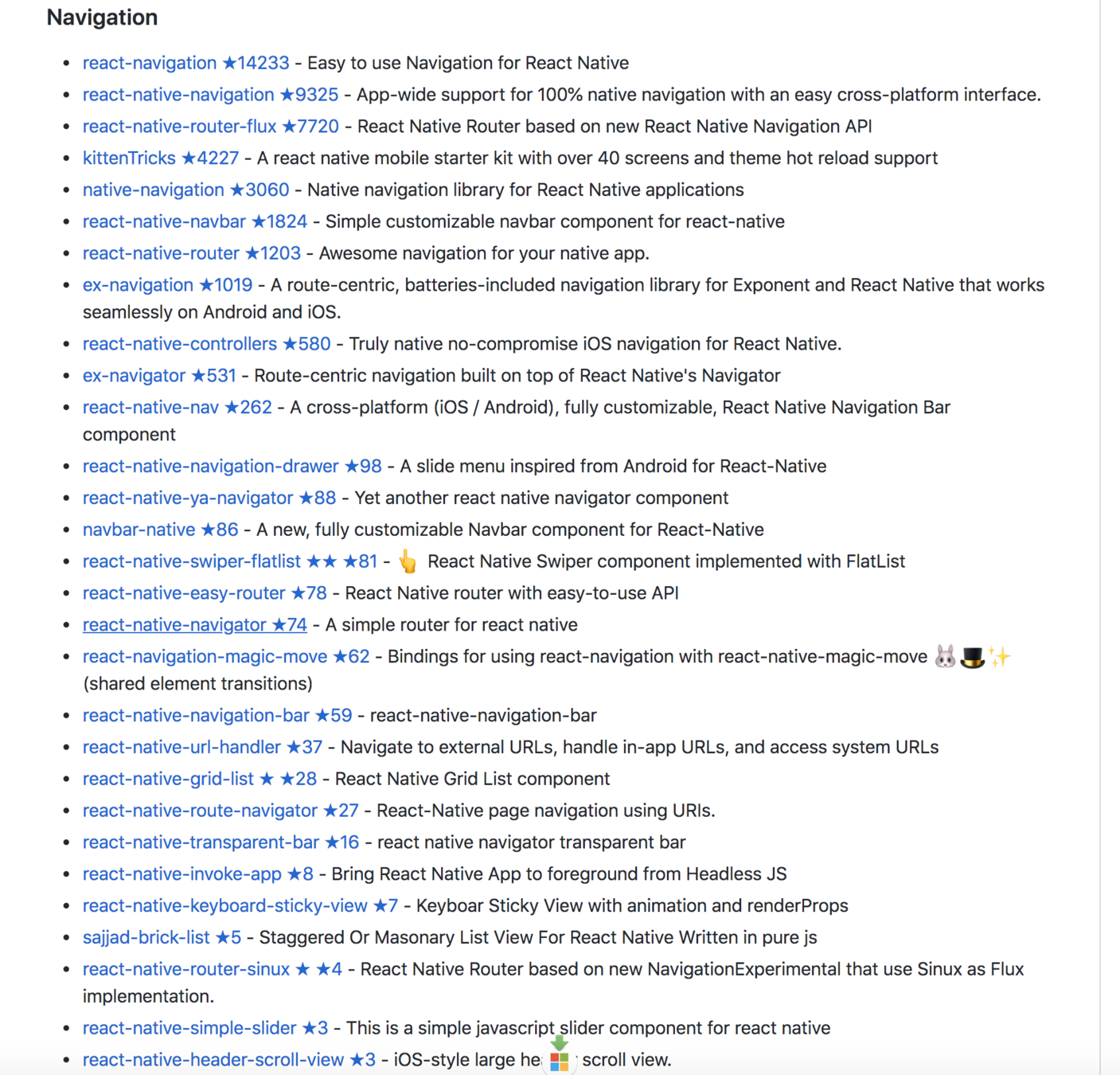

What have I used?
- NavigationExperimental
- Navigator
- NavigationIOS
- Native Navigation
- React Navigation
Safe bet if you are starting today
Provides 100% Native platform navigation on both iOS and Android
React Native Navigation
Lesson 3: Use State Management if necessary
State management gets hard to maintain in large apps

MobX
Redux
State management libraries

- Props passed through hierarchy of components
- Global components (notifications)
- Share application state to multiple container components (user info, session state)
Signs you may need state management
or maybe you can just use React Hooks!
Lesson 4: Should I use Expo?

Expo lets you build React Native apps super fast
- No build configuration
- Use only JavaScript
- No native coding
- Publish updates Over The Air (OTA) anytime
Why say YES to Expo?

- Restrictive
- Loaded (not suitable for lean apps)
- Not all iOS and android APIs available
- Cannot change native code
- Detachment comes with a cost
Why say NO to a Expo?

Expo for React Native provides a better developer experience.
Lesson 5: Don't postpone testing

Where the problem arises in android?
- Inclined to test on iOS (personal devices)
- Developers run only one emulator at a time
- Assume it works on Android
- Third-party libraries don't support Android as well

Where the problem arises in iOS?
- People in India don't use iOS devices as compared to Android devices
- Cannot run iOS App if you don't have a Mac
- Assume it works on iOS
- Some third-party libraries do not support iOS


Test Android Devices along with iOS
- Automate both Android and iOS releases
- Maximize devices
- Test early and often
- Test on Landscape and Portrait mode
- Bottom-line: Treat Android and iOS as equals
Tips
Lesson 6: Testing

“Quality means doing it right even when no one is looking.”— Henry Ford
Unit Testing - Jest
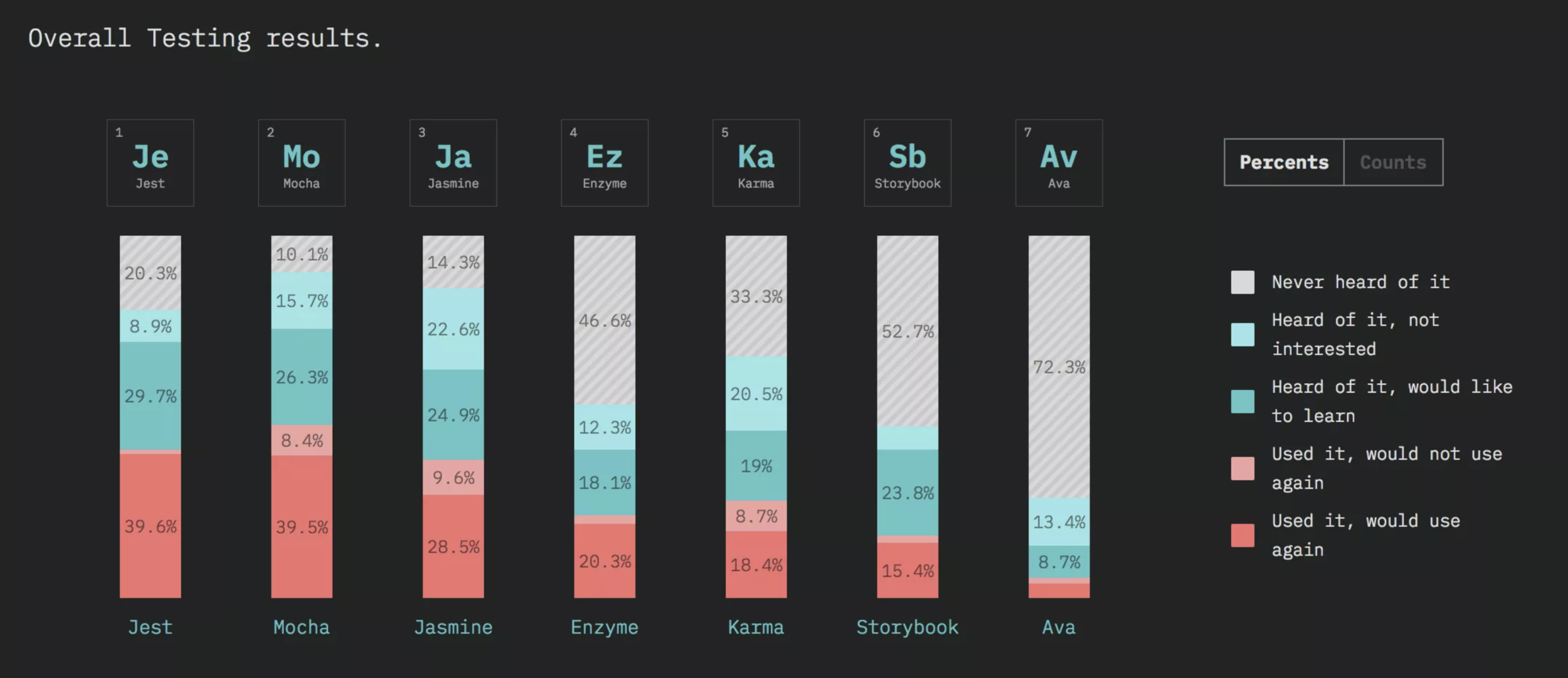
https://2018.stateofjs.com/testing/overview/
End-To-End Tests

Using Detox
Detox tests your mobile app while it's running in a real device/simulator, interacting with it just like a real user
Detox Testing
- Emulates a user testing experience
- Detox is a gray box test (monitor the app from inside)
- Helps automate a manual QA process
- Simple to write and execute (JavaScript)
- Automation of screenshots
Testing makes you ship code with confidence!
Lesson 7: Continuous Delivery

Distributes beta builds
Capture screenshots
iOS/Android
App store deployment
Testing
Code signing
Tons of hours saved

By https://docs.fastlane.tools
Beta Deployments
Testflight
Google Play or Crashlytics

Lesson 8: Picking the right Libraries

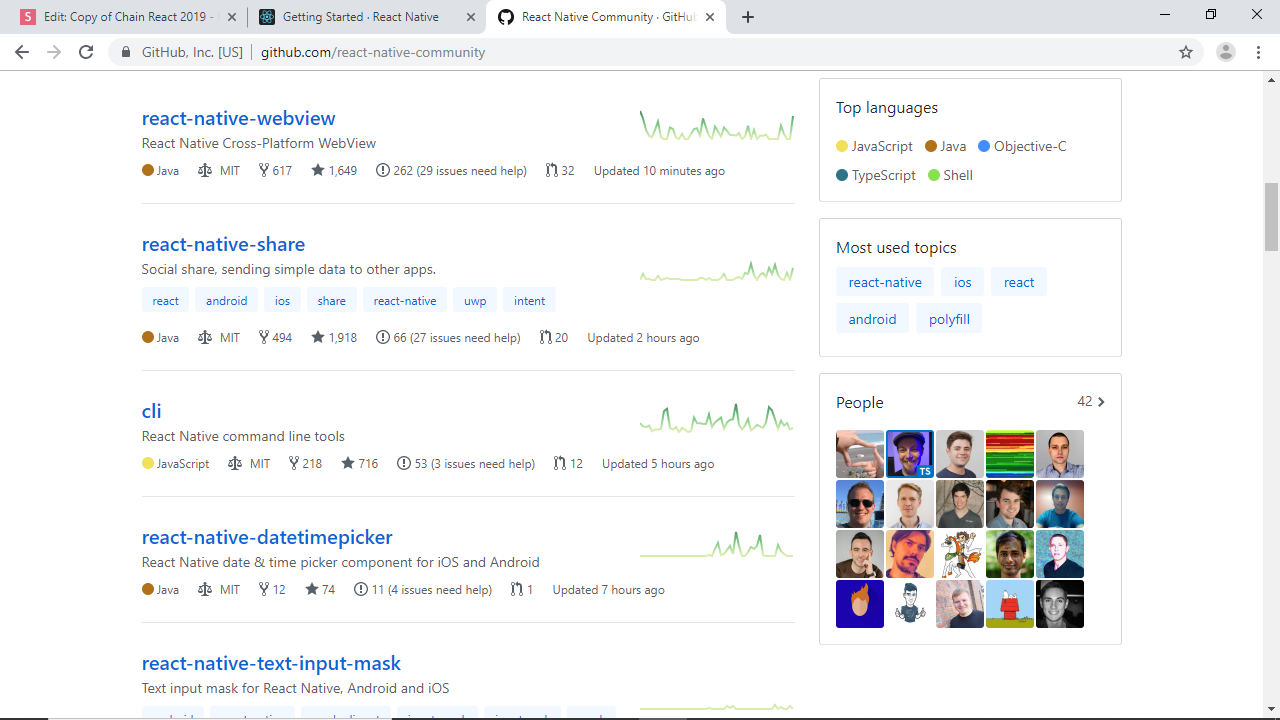
Make sure to open source your work to help the community!
Lesson 9: Stay on top of Upgrades
Remember: Before you Upgrade
- Planning
- Check for third party libraries updates
- It could last anywhere between a few hours to a couple of weeks!!!
- Upgrade often

Steps to upgrade
Lesson 10: Focus on Performance
Run Animations on native driver
Animated.timing(this.state.animatedValue, {
  toValue: 1,
  duration: 500,
  useNativeDriver: true, // <-- Add this
}).start();
Use FlatList or SectionList
ListView
Using key attribute on list items
class MyComponent extends React.Component {
  render() {
    return this.props.data.map((item, i) => {
      return <Text key={item.id}>{item.title}</Text>
    });
  }
}
Without a unique key for every list item, React will re-render every time you add/remove an item.
Bind Early, Render Simple
class MyComponent extends React.Component {

  constructor(props) {
    super(props);
    this.something = this.something.bind(this);
  }
  something() {
    // Execute function
  }

  render() {
    return <Text onPress={this.something}>Execute something</Text>
  }
}
render() {
return {
<Text onPress={()=>this.something()}>Execute something</Text>
<Text onPress={this.something.bind(this)}>Execute something</Text>
}
}
10 Lessons I Learned Recap
- Learn React
- Navigation is still evolving
- Use state management if necessary
- Expo or not
- Don't postpone testing
- Testing in React Native
- Continuous Delivery
- Picking the right library
- Upgrade regularly
- Focus on Performance